A bad update overwrites Salesforce records. The administrator who owns recovery has no rollback path because the records were modified, not deleted. If the 15-day window has passed, deleted records are gone as well.
Data protection in Salesforce operates under a shared responsibility model. Organizations own the backup, restore, and security policies for their Salesforce data. Native tools leave gaps in coverage for metadata, modified records, and long-term retention.
This article provides eight best practices for cloud data backup in Salesforce environments. Each practice is grounded in NIST, ISO, or CISA frameworks. These practices help audit backup posture, close recovery gaps, and align Salesforce protection with RPO, retention, and compliance requirements. Applied together, they give Salesforce administrators a backup program they can restore under audit and incident pressure.
Where Standard Salesforce Backup Tools Fall Short
Standard Salesforce backup tools leave critical recovery gaps. Administrators cannot rely on them for modified records, metadata, or long-term retention. A clear picture of what native tools cover, and what they do not cover, prevents false confidence in backup programs built on platform defaults.
Recycle Bin: 15-day window, deletions only
The Recycle Bin is Salesforce's first line of recovery, but it only addresses deleted records within a narrow window.
- Retains deleted records for a 15-day window, then Salesforce permanently deletes them.
- Recovery from the Recycle Bin itself is not possible after records are purged, but recovery may still be possible via Salesforce's data recovery service or external backups.
- Ignores modifications and data corruption. A mass update error or integration overwrite falls outside its scope.
Data Export Service: manual CSVs on edition-dependent caps
The Data Export Service provides scheduled exports, but the frequency and format limit its value as a recovery tool.
- Enterprise editions allow 7-day exports.
- Lower editions are limited to 29-day exports.
- Exports are manual CSV snapshots with no automated recovery tooling.
- They do not restore relational data structures.
Metadata: excluded from standard data exports
Salesforce configurations drive business logic, yet standard data exports leave them out entirely.
- Metadata backup requires a separate process.
- Custom fields, Apex code, flows, page layouts, and permission sets are excluded from standard data exports.
- An organization that relies only on the Data Export Service has no backup of the configurations that drive business processes.
Eight Best Practices for Salesforce Cloud Data Backup
An effective Salesforce backup program starts with planning and ends with tested recovery controls. These practices move from planning to implementation. They address documented gaps between compliance requirements and Salesforce capabilities.
1. Document a formal backup plan before deployment
NIST SP 800-209 requires a backup plan to address six elements before systems go live:
- Type of backup
- Frequency calibrated to RPO
- Retention period
- Types of media
- Encryption requirements
- Additional protections such as digital signatures
A written plan that covers each element is an audit deliverable under most compliance frameworks. In Salesforce environments, that plan sets the operating baseline for backup, restore, and retention decisions.
2. Define RPO and RTO per data asset
Recovery targets must be set per Salesforce data asset, not across the whole organization. NIST SP 800-34 defines RPO as the point in time to which data can be recovered. It defines RTO as the maximum time a resource can remain unavailable.
The backup interval must not exceed RPO. A 24-hour RPO for Salesforce opportunity data requires at least daily backups.
3. Back up metadata separately from data records
Salesforce data backup is incomplete without a separate metadata backup process. Salesforce organizations operate across two distinct layers, records and configurations. Metadata drives triggers, flows, and email alerts.
Administrators should use the Metadata API for programmatic metadata backup. Treat retrieved packages as version-controlled artifacts, not one-time exports.
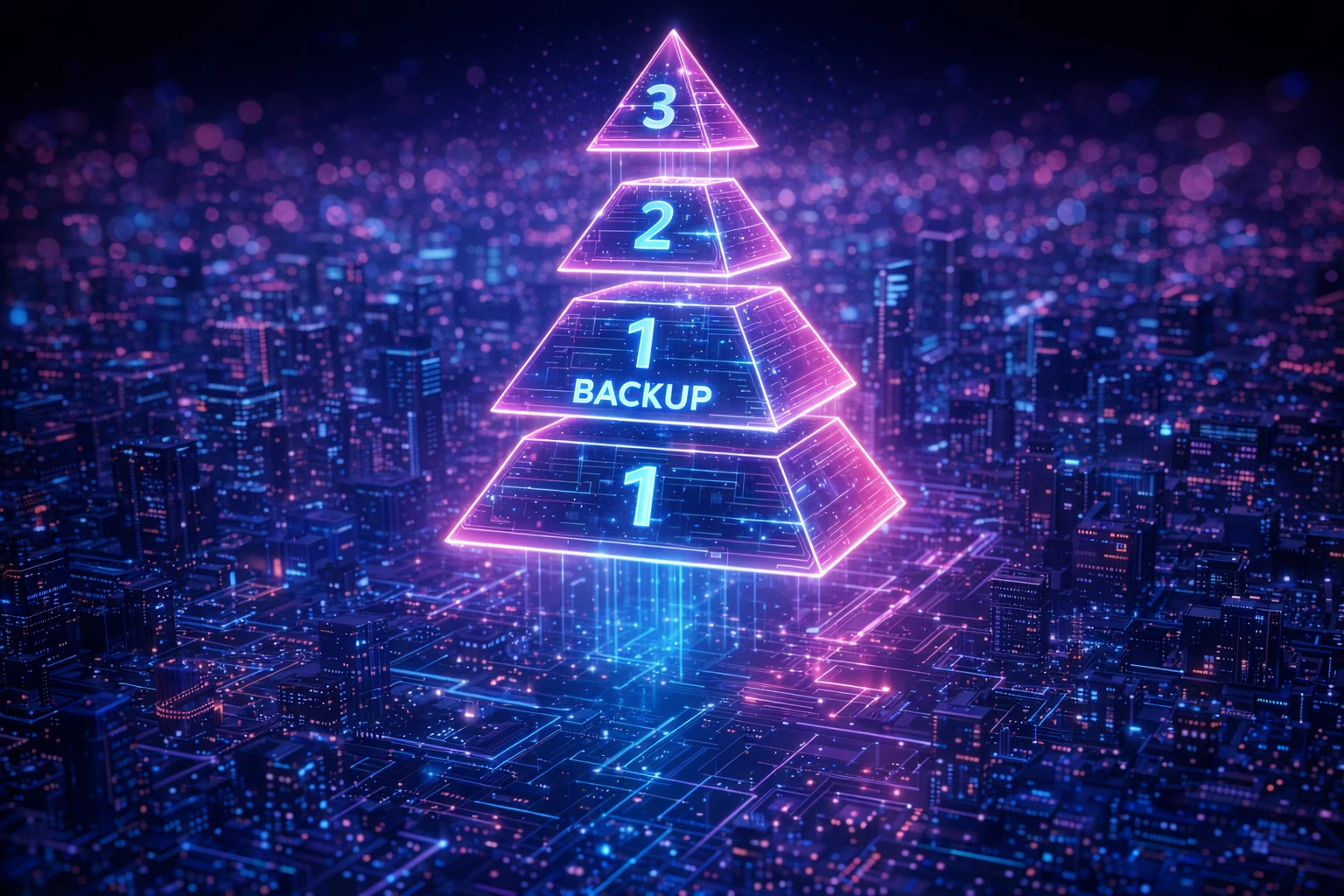
4. Follow the 3-2-1-1-0 backup rule
Salesforce backup copies should follow a structure that supports offsite recovery, immutability, and verification. This rule calls for three copies of important data (one primary and two backups), on two different media types, with one copy offsite.
The updated model adds one offline or immutable copy and zero unverified backups. That means all backups are tested before use. Backup data must be encrypted and immutable.
5. Encrypt backup data at rest and in transit
Salesforce backup data needs the same encryption discipline as production data. One implementation model uses AES-256 for data at rest and TLS 1.2+ in transit.
In Salesforce environments, Shield Platform Encryption provides AES-256 with Bring Your Own Key support. Administrators should verify whether exported backup files stay encrypted at the destination storage layer or need re-encryption.
6. Test backup restorations at least monthly
A backup program is only useful if Salesforce data can be restored within the required timeframe. Backup existence and backup recoverability are different.
Monthly test restores for critical data verify integrity and confirm that recovery meets the required timeframe. Annual policy reviews are the minimum. Running sandbox drills validates recovery without risking production data.
7. Align retention periods to regulatory requirements
Salesforce retention settings must match regulatory retention and restoration requirements. Regulated industries often face retention mandates that exceed Salesforce defaults:
- HIPAA: Covered entities must maintain exact copies of ePHI and retain security documentation for six years.
- SOX: Records relevant to audits and reviews require seven-year retention.
- GDPR: Data must be kept no longer than necessary while maintaining the ability to restore after a physical or technical incident. The right to erasure extends to backup copies, so deletion requests need a documented path into backup systems.
Native Salesforce retention defaults fall short of the seven-year SOX minimum. Retention policies must close those gaps explicitly.
8. Apply production-level security controls to recovered data
Recovered Salesforce data needs the same security controls as live production data. Recovery creates a security boundary that many organizations overlook.
The same permissions, encryption, and production-level controls that govern live data must also apply to recovered data. Recovery must be auditable.
Teams need documentation of who accessed backup data and who performed the restoration. NIST SP 800-53 codifies dual authorization for backup deletion under CP-9(7). That prevents a single administrator or compromised account from destroying backup data.
Building a Backup Program That Closes the Gap
Salesforce backup programs need more than manual CSV exports and 15-day Recycle Bin recovery. Enterprise Salesforce environments need automated backup schedules, metadata coverage, and auditability that supports long retention periods.
To support auditability around Salesforce change and recovery operations, Flosum generates audit trails for compliance reporting. Flosum enables version control and rollback capabilities.
Backup platforms should support storage approaches that fit sovereignty and retention requirements. They should also provide AES-256 encryption at rest, TLS 1.2+ in transit, and Bring Your Own Key support to align with the practices in this article.
Protecting critical Salesforce data requires recovery options and storage that fit compliance needs. Request a demo with Flosum to see how backup automation can reduce data loss exposure.

Thank you for subscribing